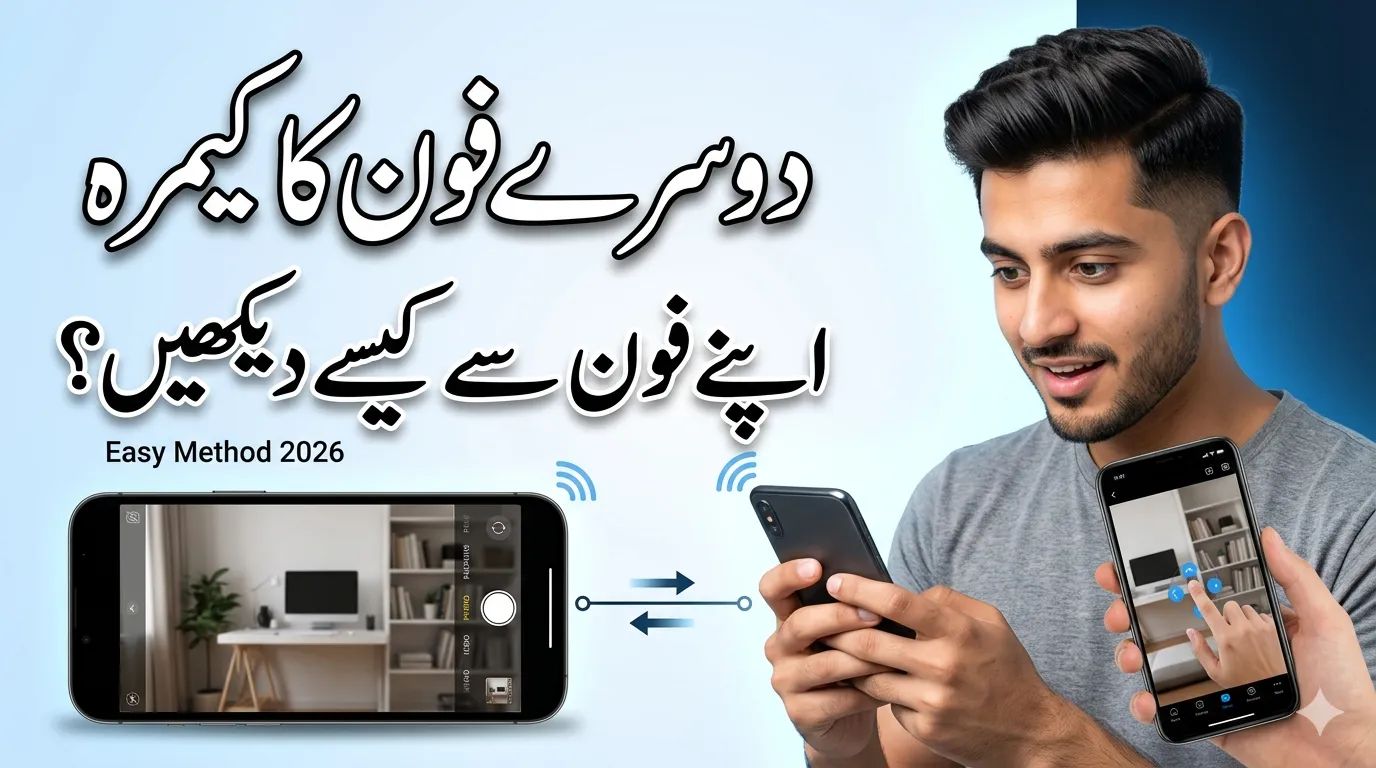
Imagine being able to guide someone while seeing exactly what they see through their phone camera—even if they are far away. This can be very helpful for fixing problems, helping family members, or even monitoring things remotely.
The good news is that modern technology makes this possible. But it must always be done with permission and in a safe way.
In this guide, you’ll learn simple and trusted methods to use another person’s phone camera from your phone.
Why Use Someone Else’s Phone Camera Remotely?
There are many practical reasons why people use this feature:
- Helping someone fix a device or problem
- Providing remote technical support
- Working together on projects
- Checking on home, pets, or rooms
- Teaching or demonstrating something visually
Important: Always take permission before accessing someone’s camera.
Method 1: Use Video Call Apps (Easiest Way)
The simplest way is through video calling apps. These apps let you see the other person’s camera in real time.
Popular apps:
- Zoom
- Google Meet
- FaceTime
- Skype
Steps:
- Start a video call
- Ask the person to switch to the rear camera
- Tell them where to point the camera
- Guide them while watching
Pros:
- Very easy to use
- No setup required
- Secure and trusted
Cons:
- The other person must hold the phone
Method 2: Use Remote Access Apps
Remote access apps allow you to connect to another phone and help guide the user.
Popular apps:
- TeamViewer
- AirDroid Personal
- AnyDesk
- Vysor
Example (TeamViewer):
- Install the app on both phones
- The other user installs QuickSupport
- They share their ID
- You connect using that ID
Some apps allow camera-related features depending on permissions.
Pros:
- Useful for technical support
- More control options
Cons:
- Requires setup
- Camera access may be limited
Method 3: Use Security Camera Apps
These apps turn a phone into a live camera.
Popular apps:
- Alfred Camera
- Manything
- Presence
Steps:
- Install the app on both phones
- Log in with the same account
- Set one phone as Camera
- Use your phone as Viewer
Pros:
- Live monitoring
- Motion detection
- Recording options
Cons:
- Needs internet
- Some features are paid
Method 4: Use Screen Sharing
Screen sharing lets you see what the other person sees on their screen, including the camera.
Apps:
- Zoom
- Microsoft Teams
- Google Meet
Steps:
- Start a meeting
- Ask them to share screen
- They open camera app
- You view the camera via screen
Best for:
- Teaching
- Demonstrations
Safety and Privacy Tips
Always follow these rules:
Always take permission
Access without consent can be illegal.
Use trusted apps only
Avoid unknown or suspicious apps.
Protect accounts
Use strong passwords and 2-factor authentication.
Disconnect after use
Always close access once done.
Tips for Better Camera Quality
To get clear results:
- Use rear camera
- Ensure good lighting
- Keep the phone steady
- Use strong internet connection
Final Thoughts
Using another person’s phone camera from your phone is now very easy with the right tools. Whether you choose video calls, remote apps, or security apps, each method works well depending on your needs.
For quick help, video calls are best. For monitoring, camera apps are more useful.
Most importantly, always respect privacy and use these methods responsibly.
FAQs
1. Can I access someone’s phone camera without permission?
No, it is illegal and unethical. Always get consent.
2. What is the easiest method?
Video calling apps like WhatsApp or Zoom are the easiest.
3. Do I need special apps?
Not always. Video call apps work without extra setup.
4. Can I control another phone’s camera remotely?
Some remote apps allow limited control, but full camera control is usually restricted.
5. Is it safe to use these apps?
Yes, if you use trusted apps and follow security practices.